Shopify Integration
Shopify + Flowspace
Connect your Shopify store in minutes and maintain full visibility into key channels. All in one platform.
Trusted by hundreds of growing brands.


Flowspace difference
A smarter way to fulfill Shopify orders
Connect in minutes, keep inventory accurate, and scale without code or manual work.
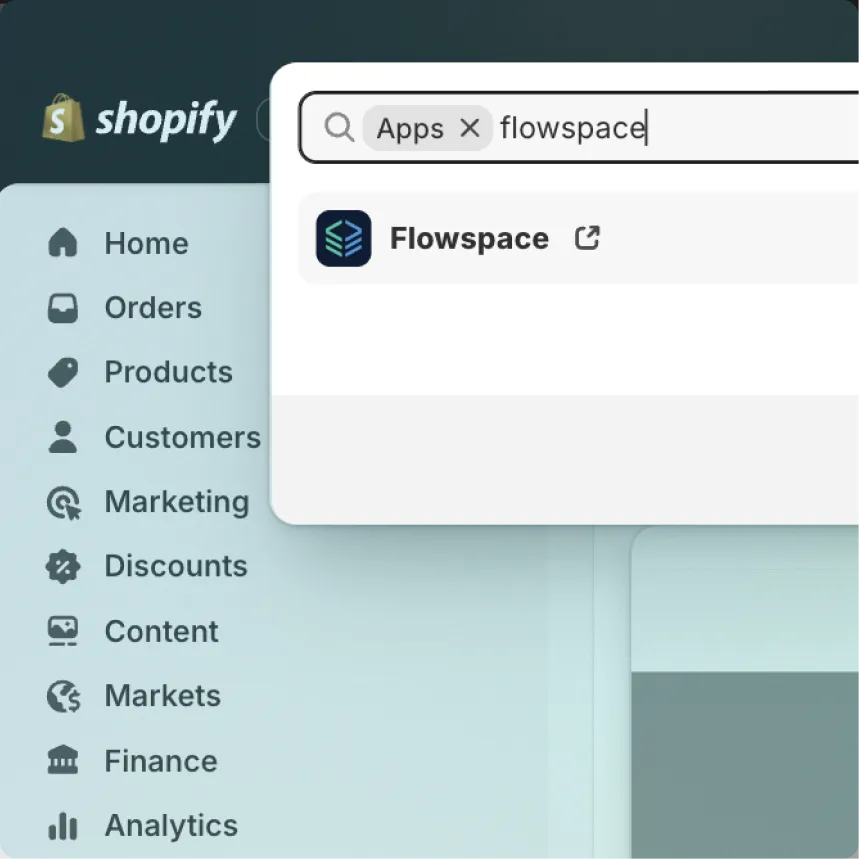
Frictionless setup
Connect your Shopify store in minutes with a guided, zero code setup. Start fulfilling orders fast. No developers or added costs needed.
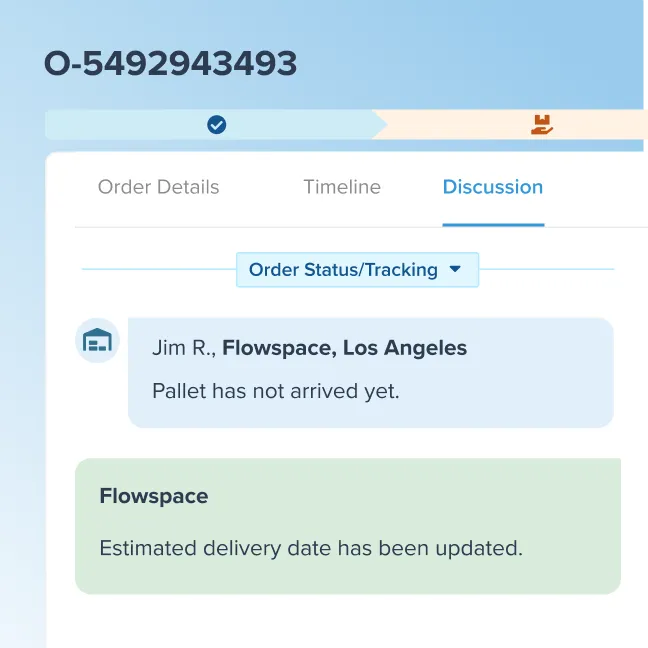
Always in sync
Keep one source of truth. Automatically align orders and inventory with near real-time,
bi-directional sync.
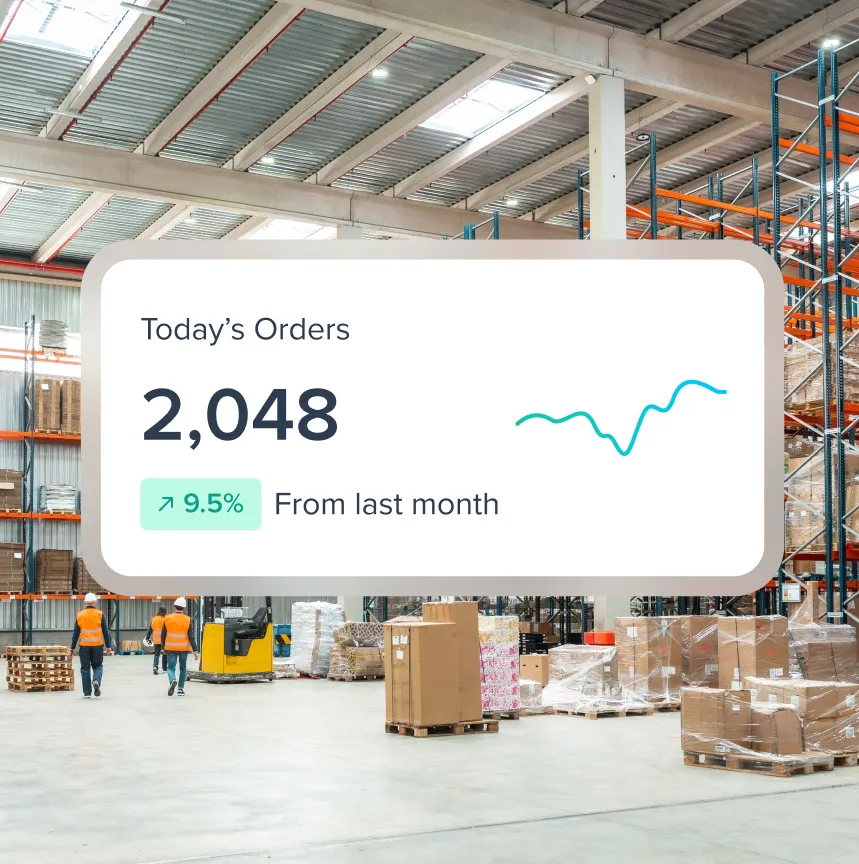
Stay in control & scale
Grow confidently through daily volume and flash sales. Get full visibility into every order, shipment, and inventory update in one place.

Improve Customer Experiences
Enable order changes up until packing, create custom rules to reward repeat buyers, and ensure every shipment meets your standards.
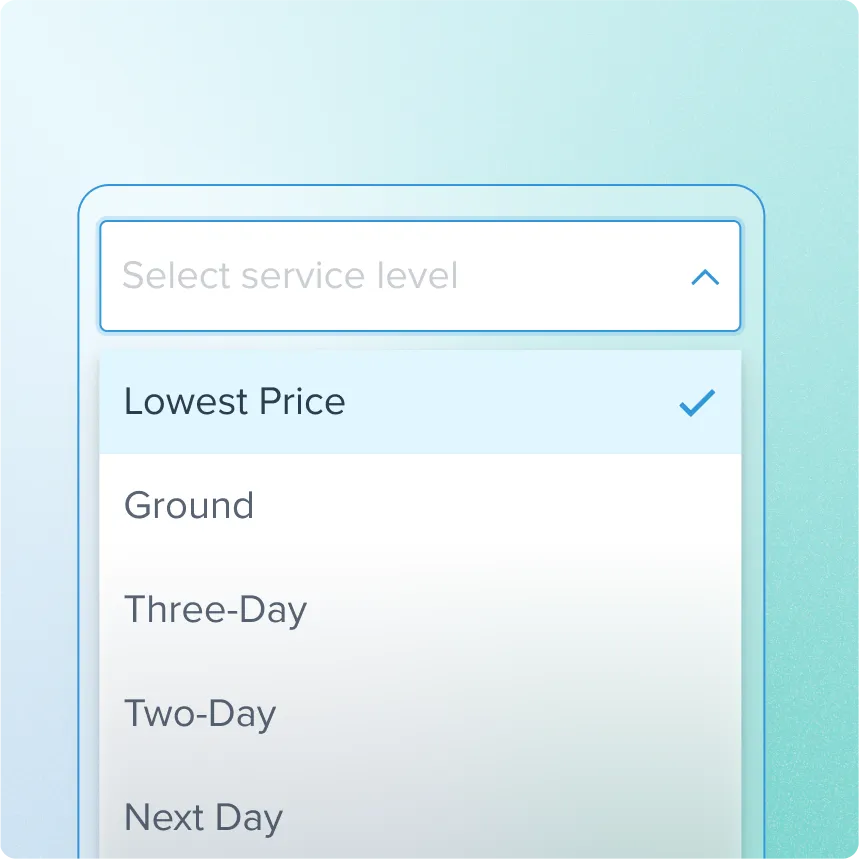
Access Top Shipping Rates
Get peace of mind knowing every order is shipping at the best possible rate, with high-cost orders flagged for review.
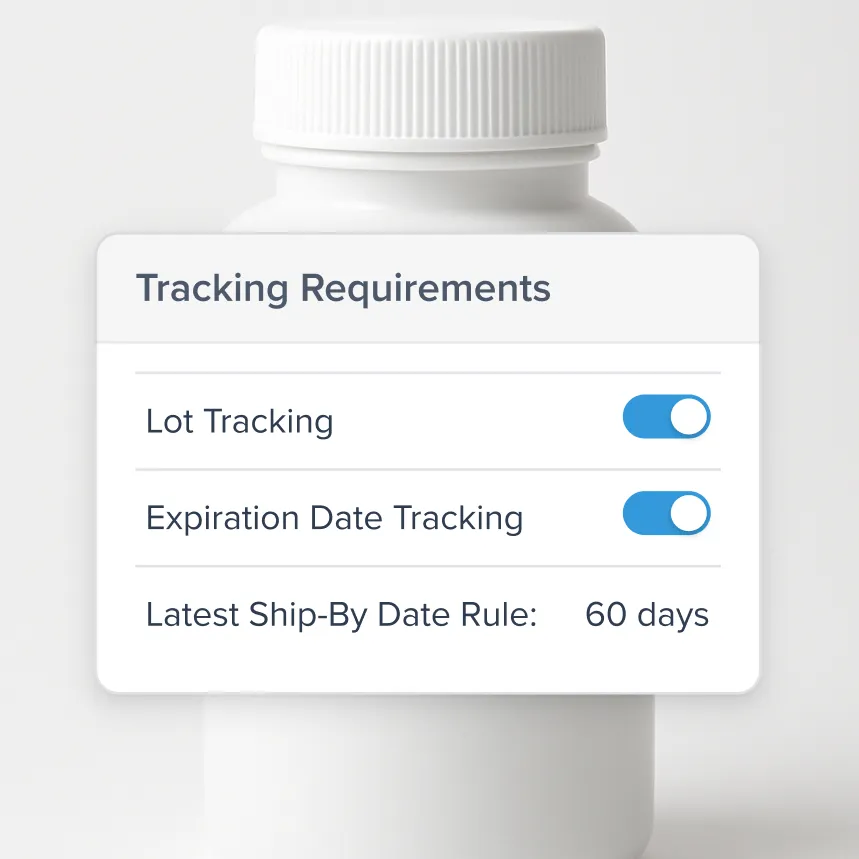
Protect Inventory Compliance
Keep your inventory compliant and traceable with Flowspace’s FDA-registered facilities, real-time lot tracking, and hands-on support.
Move inventory closer to customers
With our coast-to-coast warehousing, brands can finally keep inventory close to demand. Storing products strategically to reduce costs while delivering orders faster.

Our fulfillment capabilities

Scalable Omnichannel
Support DTC and add new fulfillment channels without reworking your operations.

Custom Packaging
Deliver branded packaging and unboxing experiences that boost loyalty and repeat purchases.

Multi-Carrier Rate Shopping
Lock in the best rate for every order and ship with national and regional carriers.

Dynamic Order Control
Reduce headaches with real-time control. Adjust orders, routing, and automation rules on the fly.

Order Tracking
Stay ahead of errors and keep customers informed with end-to-end order visibility.

Returns & Reverse Logistics
Manage returns with clear workflows, timely processing, and accurate tracking.

Marketplace Fulfillment
Centralize control and orchestrate fulfillment across FBM, Walmart, TikTok Shop, and Amazon.

Kitting & Bundling
Assemble on demand or prebuild bundles, kits, and subscription boxes for your products.
How it works
Connecting your Shopify account to Flowspace is easy. Plus our solutions team is there to guide you along the way.
Connect Shopify to Flowspace
Install the Flowspace app or API to sync your Shopify store with our platform.
Prepare and map SKUs
Ensure product SKUs match in Shopify and Flowspace for accurate order processing.
Send inventory to Flowspace
Ship products to Flowspace warehouses with ASN and labels.
Confirm inventory receipt
Verify that inventory is received and marked “Available” in the Flowspace dashboard.
Configure shipping methods
Align Shopify shipping options with our available services.
Enable auto-fulfillment sync
Set up Flowspace to automatically fulfill Shopify orders and return tracking info.
Place a test order
Run a test order to confirm correct inventory pull, fulfillment, and tracking updates.
Monitor inventory & exceptions
Regularly check stock levels, low-stock alerts, and order exceptions in Flowspace.
Curious how fast we can get your brand up and running?
Get in touch with our team to discover how Flowspace can support your brand.

Frequently asked questions
Get quick answers to our top questions, from shipping and warehouse setup to scaling your brand.
The Flowspace Shopify integration connects Shopify order and inventory data directly with Flowspace fulfillment operations. It can sync key information such as orders, inventory availability, fulfillment status updates, and shipment tracking details, helping brands maintain accurate visibility and execution across Shopify and Flowspace systems.
Yes, Flowspace can support fulfillment workflows that include multiple storefronts or additional sales channels, depending on the brand’s operational setup. This helps teams scale omnichannel fulfillment efficiently.
Flowspace provides near real-time fulfillment and tracking updates back to Shopify, allowing customers to receive accurate shipment status and order progress notifications. Many workflows support bi-directional syncing, ensuring Shopify storefronts stay aligned with Flowspace execution.
Many brands can complete the Shopify integration within a few days to a few weeks. Flowspace supports onboarding and testing to ensure the connection is accurate, compliant, and ready for execution.